Windows provides a large variety of keyboard shortcuts, many of which allow you to speed up your progress when working on tasks. Today I’d like to bring your attention to very specific shortcut:

When pressed, it will make File Explorer appear immediately:
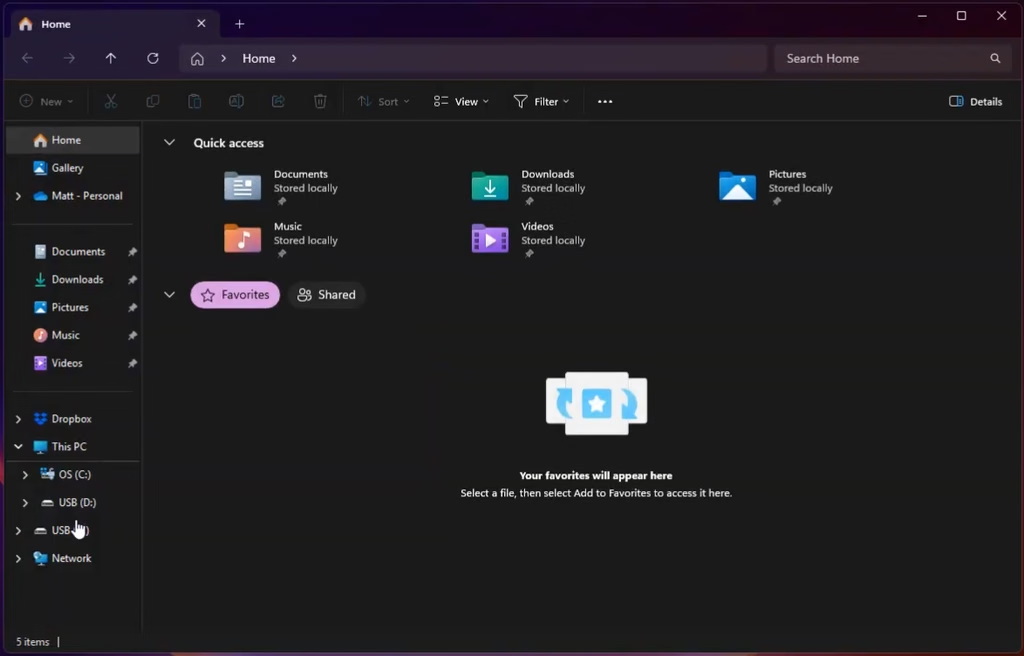
So, in essence, it’s the same as pressing this shortcut if you have it in your taskbar – without using your mouse:

It’s also particularly easy to remember if you keep in mind that E stands for Explorer… File Explorer.
While this isn’t necessarily the most ground-breaking of the Windows key shortcuts published by Microsoft, I find myself using it nearly every day at work, and figured it’d be good to share for that reason. It’s a minor adjustment, but over time, it will save you clicks. To see how it works in practice, check out the quick demonstration below: